How to Reset APN Settings to Default
How to reset APN settings to default on Samsung Galaxy, Google Pixel, Xiaomi, Redmi, POCO, Oppo, Realme, Vivo and iPhone. A reset removes the APNs you added by hand and loads the carrier APN from the SIM again.
Last updated: October 2026 (Android 15/16, One UI 7/8, HyperOS, ColorOS, iOS 18/26).
Quick answer: on Android open Access Point Names, tap the three dots menu and choose Reset to default. On iPhone go to Settings -> Mobile Service -> Mobile Data Network -> Reset Settings.
Write down any APN you typed in yourself before you reset; it will be deleted.
Samsung Galaxy (One UI)
Settings -> Connections -> Mobile networks -> Access Point Names -> three dots (top right) -> Reset to default
Google Pixel and stock Android
Settings -> Network & internet -> SIMs -> choose the SIM -> Access point names -> three dots -> Reset to default
Xiaomi, Redmi and POCO (HyperOS / MIUI)
Settings -> SIM cards & mobile networks (Mobile networks) -> choose the SIM -> Access point names -> Reset (at the bottom of the list)
Oppo, Realme and OnePlus (ColorOS / realme UI / OxygenOS)
Settings -> Mobile network -> SIM 1 or SIM 2 -> Access point names (APN) -> three dots -> Reset to default
Vivo and iQOO (Funtouch OS / OriginOS)
Settings -> Mobile network -> SIM 1 or SIM 2 -> Access Point Names (APN) -> three dots -> Reset to default
iPhone and iPad
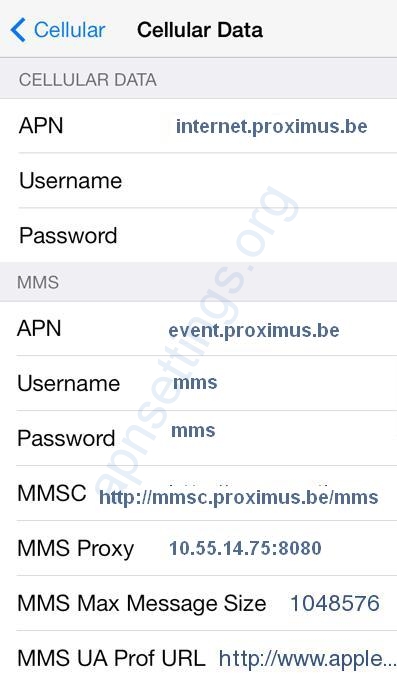
- APN fields only: Settings -> Mobile Service (Cellular) -> Mobile Data Network -> Reset Settings (at the bottom of the page).
- Everything network related, including Wi-Fi passwords: Settings -> General -> Transfer or Reset iPhone -> Reset -> Reset Network Settings.
After the reset
- Check that the carrier APN is selected in the list, then switch Airplane mode on and off.
- If the list is empty after the reset, restart the phone with the SIM inside; the APN is loaded when the SIM registers.
- If data still does not work, go through Mobile Data Not Working After Adding APN.
- Some phones also have Reset mobile network settings under Settings -> General management (Samsung) or Settings -> System -> Reset options (Pixel). It resets mobile settings without touching Wi-Fi.