How to Add an APN on Xiaomi, Oppo, Realme, Vivo and Samsung
How to add an APN on Xiaomi, Redmi, POCO, Oppo, Realme, Vivo, OnePlus, Motorola and Samsung Galaxy phones, step by step for Android 14, 15 and 16.
Last updated: October 2026 (Android 15/16, One UI 7/8, HyperOS, ColorOS, iOS 18/26).
Quick answer: open Access Point Names in the mobile network settings, tap + or Add, enter at least the Name and APN, save from the menu, and select the new APN.
Samsung Galaxy (One UI 7 / 8)
Settings -> Connections -> Mobile networks -> Access Point Names -> Add. Fill in the fields, then tap the three dots -> Save.
Xiaomi, Redmi and POCO (HyperOS)
Settings -> Mobile networks -> choose the SIM -> Access point names -> New APN (at the bottom). Fill in the fields and tap the tick or Save.
Oppo and Realme (ColorOS / realme UI)
Settings -> Mobile network -> SIM 1 -> Access point names (APN) -> +. Fill in the fields and tap the tick.
Vivo and iQOO (Funtouch OS / OriginOS)
Settings -> Mobile network -> SIM 1 -> Access Point Names (APN) -> +. Fill in the fields and tap Save.
OnePlus, Motorola and Google Pixel
Settings -> Network & internet (Mobile network) -> SIMs -> choose the SIM -> Access point names -> +. Fill in the fields, tap the three dots -> Save.
Which fields to fill
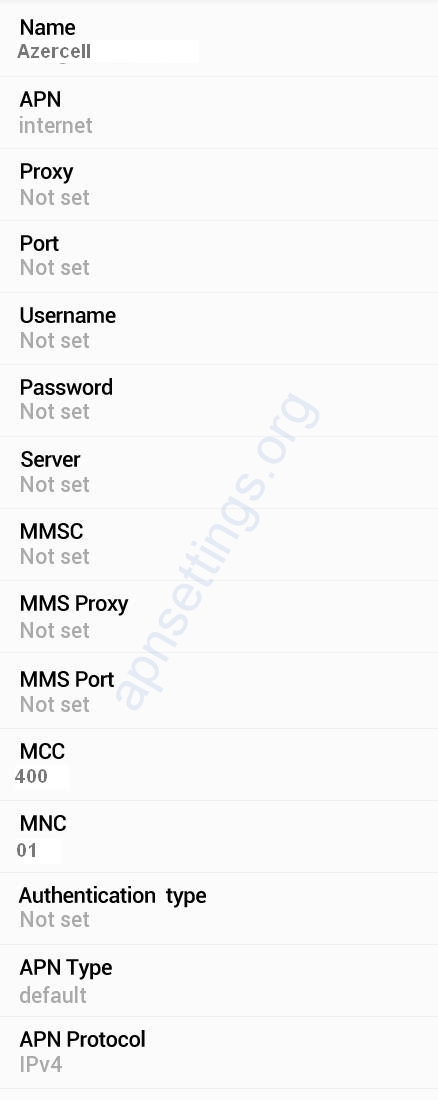
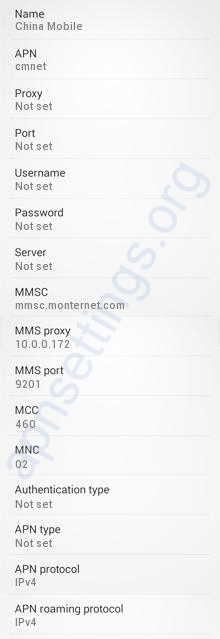
| Name | any name, for example the carrier name |
| APN | from your carrier page, for example internet |
| Username / Password | only if the carrier uses them |
| Authentication type | only if the carrier asks for PAP or CHAP |
| APN type | default,supl (add ,mms if MMS uses the same APN) |
| MCC / MNC | keep what the phone shows |
| APN protocol | IPv4/IPv6 |
After saving
- Go back to the list and tap the round button next to the new APN to select it.
- Switch Airplane mode on and off, or restart the phone.
- If the fields are grey or there is no + button, see APN Greyed Out or Cannot Edit APN.
- If the APN is selected but data does not work, see Mobile Data Not Working After Adding APN.