Warid LTE APN Settings for iPhone
Warid 4G 3G Internet and MMS Settings for iPhone X XPlus 8 8Plus
Carrier status (October 2026): Warid merged into Jazz in 2017, and Warid SIMs now run on the Jazz network. Use the Jazz APN settings. The original settings below are kept for reference.
Warid 4G APN Settings for iPhone
In your Apple iPhone go to Settings -> Cellular -> Cellular Data Network -> APN and enter the following details
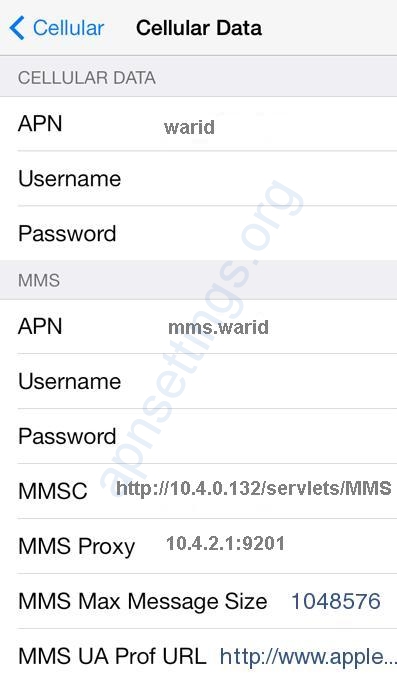
Cellular Data:
APN: warid
Username: Blank
Password: Blank
LTE Setup(Optional):
APN: Blank
Username: Blank
Password: Blank
MMS:
APN: mms.warid
Username: blank
Password: blank
MMSC: http://10.4.0.132/servlets/MMS
MMS Proxy: 10.4.2.1:9201
MMS Message Size: 1048576
MMS UA Prof URL: blank


