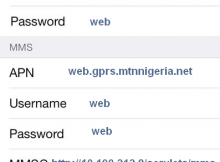
In your Windows Phone Go to Settings -> Cellular -> SIM Settings -> Add Internet APN INTERNET APN APN: internet.ng.airtel.com User name: Blank Password: Blank Proxy server (URL):
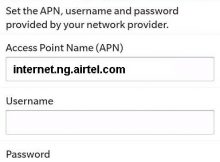
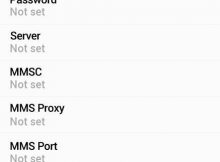
To configure Airtel Nigeria Internet and MMS APN Settings for Blackberry KEY2 Evolve EvolveX Motion Key One Curve Bold Z10, you can follow the below procedure. Leave the
Below you can find the Manual Internet and MMS Configuration of Airtel Nigeria for Android Smart Phones like Samsung Galaxy M21 M31 F41 S20+ S21 S21+ 5G Note
MTN Nigeria Manual 4G LTE Internet and MMS APN Settings for Windows Phone 10 MTN Windows Phone APN Settings In your Windows Phone Go to Settings -> Network
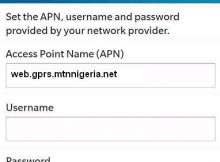
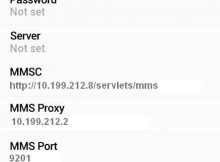
Procedure of MTN Nigeria Manual 4G LTE Internet and MMS Configuration for Blackberry Key2 Evolve Motion KeyOne Curve Bold MTN Internet Settings Blackberry: Tap Settings -> Network Connections